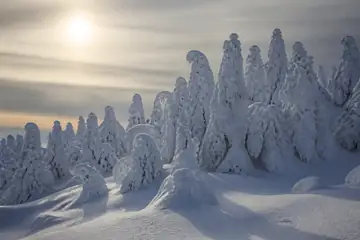
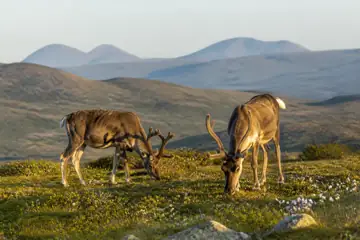
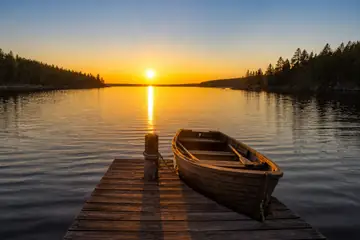
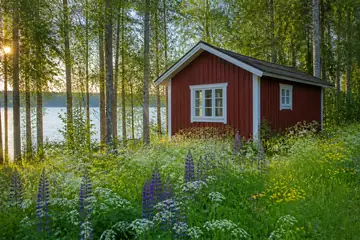
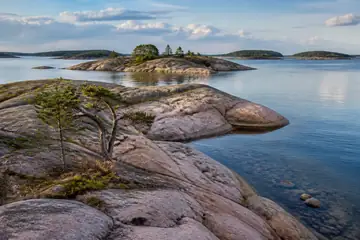
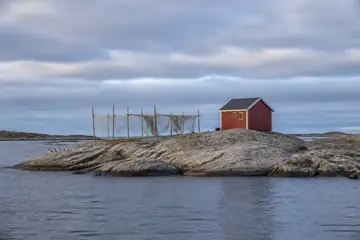
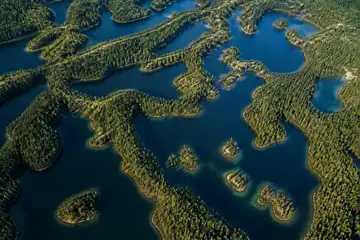
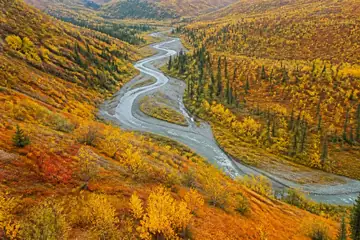
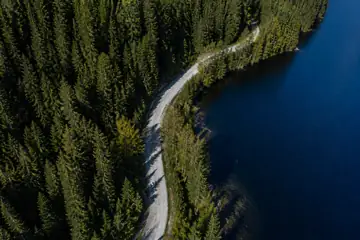
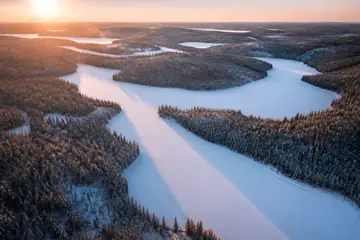


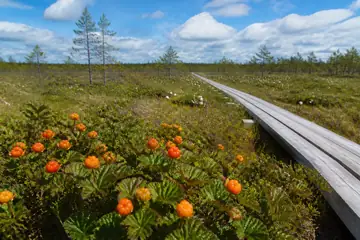
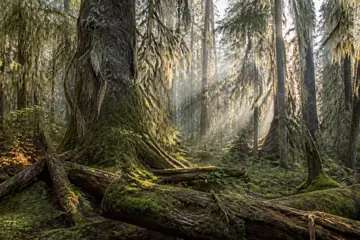
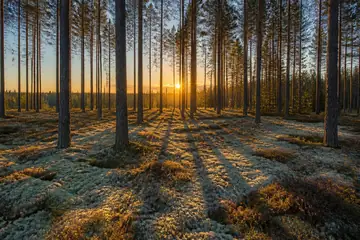
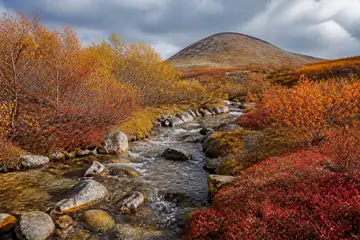
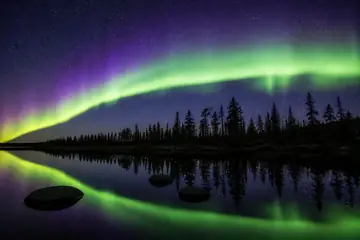

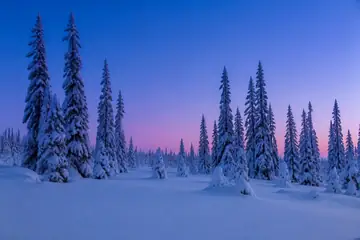
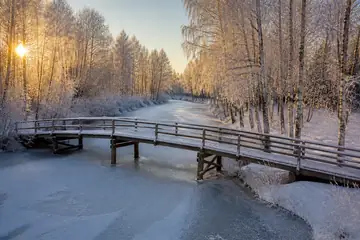
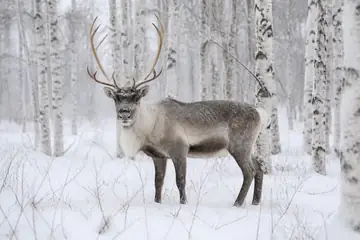
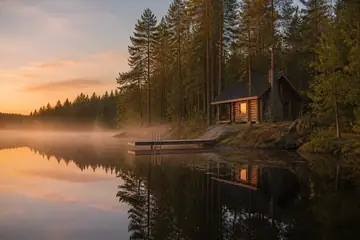
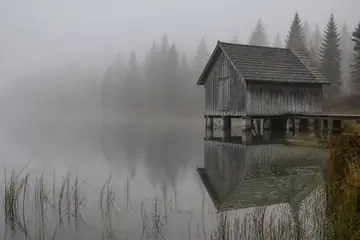
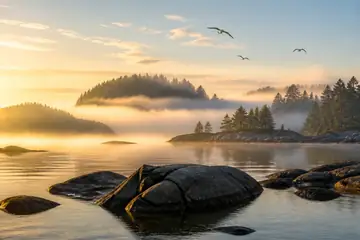
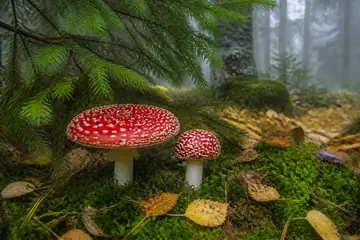
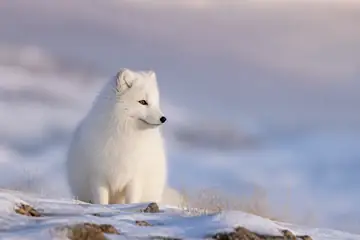

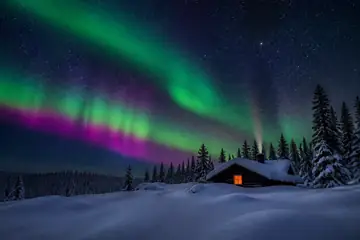
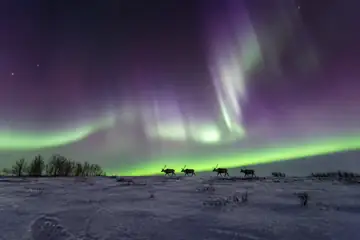
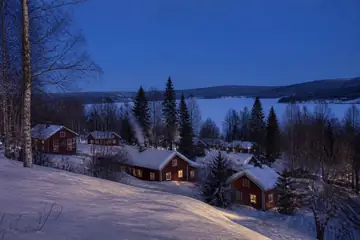
Thirty pictures of the northern wild, cut into 12 to 198 pieces. Drag the pieces, let matching edges click together and watch the scene take shape — no sign-up, nothing to install.
How to play
The pieces start spread around the board. Drag one with the mouse or a finger; when it comes close to a matching neighbour, the two click together and move as one group from then on. Groups join other groups the same way.
Drop a piece or a group near its home position on the board and it locks there. Locked pieces cannot be picked up again, so you cannot knock a finished area loose by accident. The puzzle is complete when every piece is in place.
The toolbar holds the helpers. Edges hides everything except border pieces. Ghost shows a faint copy of the picture on the board. Sort lays the loose pieces out neatly around the board, edge pieces closest. Show picture opens a small preview. Hint flashes a piece together with the neighbour it fits. Undo steps back through your moves.
Zoom with a pinch, the mouse wheel, a double tap or the + and − buttons, and use the fit button to see the whole table again. The timer starts with your first move and pauses while the tab is in the background.
Strategy that works
Build the frame first. Switch on Edges and only border pieces stay visible: corners have two straight sides, edge pieces one. The frame fixes the size of the picture and gives every later piece something to attach to.
Next, go for the anchors — the parts of the picture with a strong shape or colour, such as a lit window, a jetty, a reindeer or a red wall. They are quick to recognise and give you islands of finished picture to grow outward from.
Press Sort, then drag pieces of a similar colour into loose piles at the edge of the table: night sky, snow, forest, water. Working from one small pile is far faster than scanning the whole table each time.
Plain areas — sky, snow, fog, still water — are where the time goes. Stop judging by colour and look at shape instead: how many tabs and blanks a piece has and where. Try candidates along one row at a time.
Pick a size that suits your screen and your time. 12 and 24 pieces suit a short break or younger players. 48 is the everyday size and the daily standard. 96 is a proper evening puzzle, and 198 pieces is the long haul — fine on a phone with zoom, but most comfortable on a larger screen.
Questions and answers
Is it free?
Yes. Every picture and every size is free to play, with no account and no adverts.
Will my puzzle be saved if I close the page?
Yes, in this browser. The game saves after every move. Open the same picture at the same size and the pieces are where you left them. Each picture keeps its own saves, so starting another picture does not overwrite one you are in the middle of.
Why does the 100 option give 96 pieces?
The pictures have a 3:2 shape, and the cutter keeps pieces close to square, so it picks the nearest grid that fits: 12 × 8 = 96. The 200 option gives an 18 × 11 grid of 198 pieces.
Can I play on a phone?
Yes. Drag with one finger, pinch to zoom and double-tap to zoom in quickly. On phones the default is 48 pieces; the larger sizes work too, but cutting 198 pieces takes a moment on older devices.
Are the pictures real photographs?
No. They are computer-generated scenes of northern nature made for this site, and they do not show specific real places.
What is the daily puzzle?
Every day one picture is the daily jigsaw, with the same cut and shuffle for everybody. Solve it on consecutive days to build a streak.